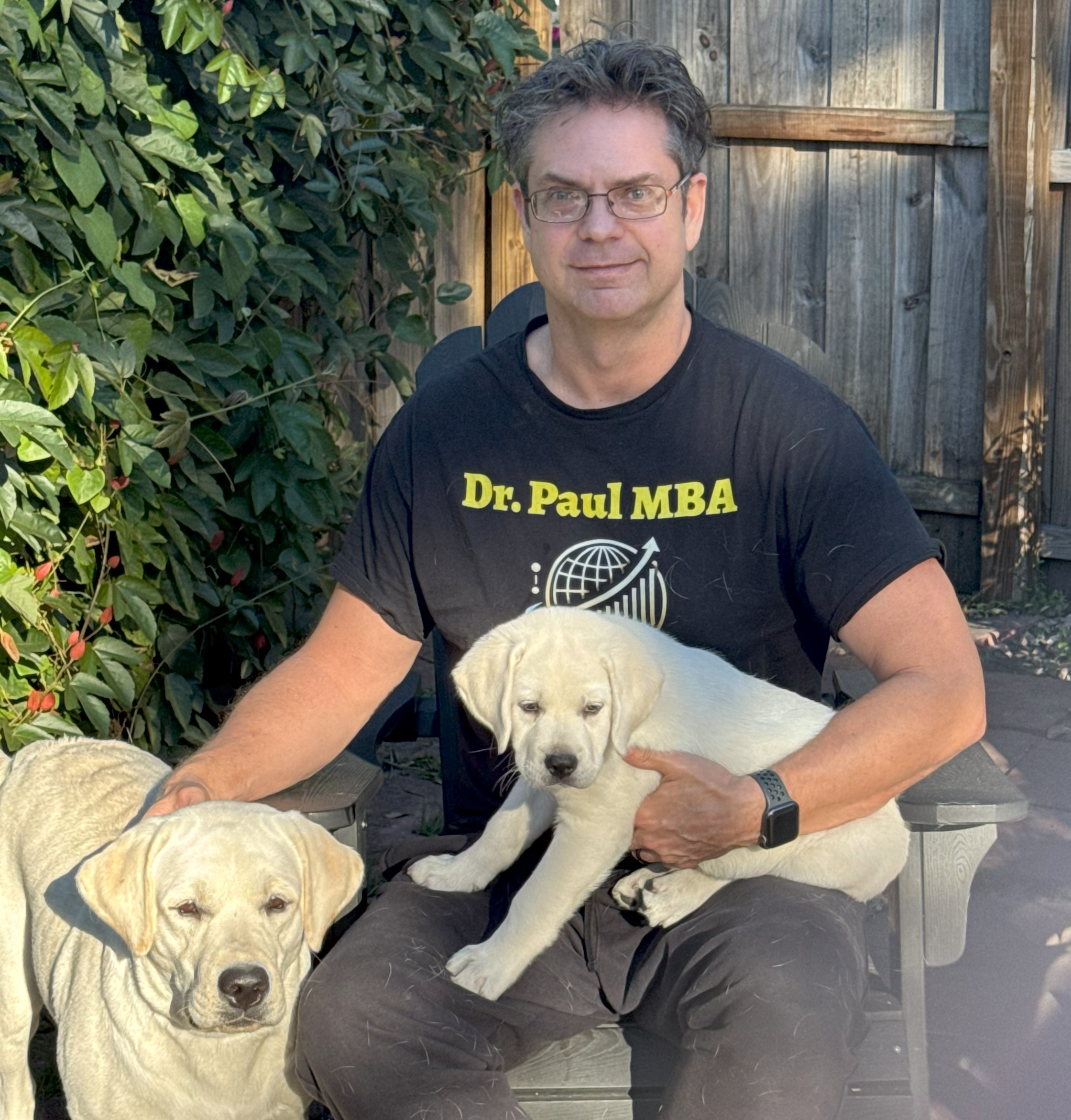
Dr. Paul Borosky, DBA, MBA
Business Consultant & Fractional CFO
Small Business Technology and AI: 20 Foundations Every Owner Should Know
Why does a business get slower right after it buys the system meant to speed it up? Dr. Paul’s clients ask some version of that every month. The answer is almost never the software. It was installed on top of work nobody had written down, so it ran the old mess faster. This guide puts the work first and the machine second, in four jobs: fix, choose, automate, check.
Bought a system that isn’t paying off? Call or text (321) 948-9588. Dr. Paul answers personally.
Last Updated: 11/15/2026 · Written by Dr. Paul Borosky, DBA, MBA
Tech Without the IT Department
What Does Technology Actually Do for a Small Business?
Short Answer
For a small business, technology means any tool that handles a slice of the work, holds a record, or delivers a message, which frees people for the parts only they can do. AI is one more such tool. It spots patterns in the material it was given and produces confident-sounding answers, right or wrong. Either one accelerates whatever you feed it, good process or bad.
Small business technology = Fix + Choose + Automate + Check
Doctor Owl, in Plain English
“Hand a machine a bad set of steps and it simply does them quicker. So the steps come first.”
How This Guide Works
Short on time? The Short Answer above and the four jobs below cover the core. Want more? Each of the 20 foundations has its own page, and each page follows one owner from Dr. Paul’s Fabled Forest Business School Series through one technology mistake. No product names, so nothing goes out of date when the logo changes.
The four jobs, in order:
Fix
Repair the work before any purchase. Write out the steps, settle where each record lives, and guard what you could never recreate.
- Process mapping
- Cybersecurity basics
- Data backup
Choose
Select the tool that fits, and be just as clear about what to skip. Add tools singly, each one aimed at a named problem.
- Build or buy
- Technology adoption
- Technology roadmap
Automate
Give the repetitive work to the machine: tallies, stock answers to common questions, and procedures already on paper.
- AI use cases
- Workflow automation
- Customer service automation
Check
Keep someone watching. Review the numbers, total up the real cost, and overrule the tool when experience says it is wrong.
- Human in the loop
- Automation bias
- Data privacy
Four Automates out of twenty is not an accident. Most of the work in a good technology decision happens before anything gets automated and after it runs. Owners who skip the Fix step end up paying for a faster mess. Technology sits on top of the Organize step in Dr. Paul’s Organize-Plan-Grow™ Strategy, and it shows up in the financial projections of a business plan as a cost line lenders question. Security and privacy rules differ by place, so check yours.
Which Kind of Help Fits Your Technology Mess?
Sort it out with Dr. Paul, plan it on paper, or learn the basics first. Start where your systems are today.
Business Consulting
FeaturedFor owners with a stack of tools that don’t talk to each other. Dr. Paul helps you map the work, cut the waste, and decide what is worth paying for.
See consulting options →Business Plan Writing
When a lender or investor needs it, Dr. Paul writes the plan, including the technology and equipment costs in the projections.
Start your plan →Business Plan Templates
An industry Word plan and Excel model with equipment, software, and subscription lines already built in.
Browse templates →Small Business Education
Free guides, videos, and the Fabled Forest Business School books on systems, data, and safe AI use.
Start learning →The 20 Foundations
Which Technology Problem Is Costing You the Most?
Each foundation starts with the kind of machine question owners bring to Dr. Paul. Start with the one that sounds like your week. The first ten are the tools: fixing the work, keeping records safe, and picking what earns a place on the counter. The second ten cover AI: which tasks to give an assistant, which to hold back, who reviews its output, and why the records it reads matter. Every term is defined in the technology and AI glossary.
Part One: The Tools
Foundations 1 to 10 · Fix the work, protect the records, choose the toolWhat Is Process Mapping? Fix the Work Before You Buy the Tool
Why did a new booking system make every booking slower?Chapter 1
Process mapping writes down how one job really gets done, every copy, wait, and handoff. Cut the steps that add nothing before you pay a tool to run them.
Read the full guide →What Is Data Management? One Home for Every Record
Everything is saved somewhere. Why is nothing findable?Chapter 2
Data management gives each type of record a single home, a consistent layout, and a named keeper, with a separate line for every item.
Read the full guide →How to Use Point-of-Sale Data to Make Better Decisions
My register reports everything. Which numbers actually matter?Chapter 3
Point-of-sale data records every sale by item, time, and price. Read weekly, it shows what sells, what sits, when you run out, and what you throw away.
Read the full guide →Small Business Cybersecurity Basics: Habits That Stop a Break-In
Our whole team shares a single password. How risky is that?Chapter 4
Cybersecurity basics are simple habits: a separate password per person, a second login step on anything important, prompt updates, and access removed the day someone leaves.
Read the full guide →How to Back Up Business Data: The Three, Two, One Rule
Our paper records have held up for years. Is a backup really needed?Chapter 5
Data backup keeps extra copies of what you can’t lose. Three copies, on two kinds of storage, with one kept away from the building, made on a set day.
Read the full guide →Build or Buy Software? How a Small Business Decides
Should I build my own system if I know I could do it better?Chapter 6
Write out what the tool needs to accomplish, strike off whatever a ready-made product handles, and buy that part. Build only what is truly specific to how you earn.
Read the full guide →How to Get Employees to Use New Technology
There’s a new gadget every week. How do I pick?Chapter 7
Technology adoption means one tool at a time, for a problem someone can name, with users trained before it matters and a set date to keep it or drop it.
Read the full guide →Should a Small Business Take Credit Cards and Digital Payments?
Card fees feel like a loss. Why take cards at all?Chapter 8
Card acceptance costs a monthly fee plus a small cut per sale. Set that against the profit on customers who leave because they can’t pay their way.
Read the full guide →How to Start Selling Online as a Small Business
Who would order from a small shop that’s miles away?Chapter 9
Online selling works with four pieces in place: a short item list, a price on each, an easy way to pay, and a delivery promise you can keep.
Read the full guide →What Is Total Cost of Ownership? The Real Price of a Tool
I pay for lots of tools. Why does none of them seem to help?Chapter 10
Total cost of ownership adds the purchase, setup, training, fees, and upkeep across the years you keep a tool, then asks whether it earns that back.
Read the full guide →Part Two: The Intelligence
Foundations 11 to 20 · What AI can do, and who checks itAI Use Cases for Small Business: Which Jobs to Hand Over
An AI tool offered to do my books. Is that a good idea?Chapter 11
Good AI jobs share three traits: there is a lot of the work, it follows a pattern, and someone can check the answer. Skip jobs where a wrong answer lands on a customer.
Read the full guide →What Are the Limitations of AI in a Small Business?
If AI handles bookings, why can’t it run the front desk?Chapter 12
AI can’t see what your team just knows, can misread a mood, sounds sure when it is wrong, and can’t be held responsible. Plan around those limits.
Read the full guide →What Is Human in the Loop? Keeping a Person on the Decision
AI books customers in seconds. Why keep a person involved?Chapter 13
Human in the loop keeps a person responsible for decisions a tool helps make. Routine items inside clear rules go through. Exceptions wait for a person.
Read the full guide →What Is Automation Bias? When to Override the Machine
The routing app saves my crew time daily. Why question it?Chapter 14
Automation bias is trusting the machine over your own eyes because it is usually right. It looks like driving into a closed road because the screen said so.
Read the full guide →Should You Automate Customer Service? What to Keep Human
If a machine takes orders, will customers still feel welcome?Chapter 15
Automated service handles questions with a single right answer, such as hours or order status. A welcome, a complaint, or a judgment call needs a person.
Read the full guide →What Is Workflow Automation? When This Happens, Do That
Our steps are written down already. Can software run them?Chapter 16
Workflow automation runs a chain of steps whenever something starts them, like a new order. It works on steps already written down, with a person checking the risky point.
Read the full guide →What Is Data Quality? Clean the List Before the Machine Uses It
Why do so many messages to our customer list bounce or annoy people?Chapter 17
Clean records mean one line per customer, contact details that still work, no departed names, and a named person who reviews the list on a schedule.
Read the full guide →Small Business Social Media Strategy That Leads to Sales
I post constantly and get no sales. Should I post more?Chapter 18
A social media plan sets a single goal, picks the platform or two your buyers use, gives each post a job, and tracks sales instead of likes.
Read the full guide →Small Business Data Privacy: What Customer Information to Keep
We collect lots of member details. Is more data better service?Chapter 19
Data privacy means gathering only the personal details you need, holding them only as long as needed, limiting who sees them, and asking before sharing.
Read the full guide →What Is a Technology Roadmap? A One-Page Plan for Your Tools
I want the newest tools first. What should I buy next?Chapter 20
A technology roadmap lists the tools you plan to add this year, in order, with the reason, timing, and budget for each, driven by your business plan.
Read the full guide →From Dr. Paul’s Fabled Forest
Meet the Fabled Forest: Who Bought the Grand Desk?
A machine lesson is easier to remember when you can picture the machine. Dr. Paul’s Fabled Forest Business School Series teaches business through a forest full of small business owners who run into the same problems real owners face. Doctor Owl, a careful old consultant who lives in the Lone Oak, asks them the question nobody else does. Every foundation page in this guide follows one of those owners.
Book 9 opens with Veronica, an elephant who owns a hillside spa and has just opened a lakeside lodge. She has bought the grandest booking desk on the coast, and every booking now takes longer than it did on paper. Her front desk staff still copy each booking into the old book, just in case. Doctor Owl doesn’t ask about the machine. He asks what the booking did before the machine arrived. See her story on What Is Process Mapping?
In the Fabled Forest
Veronica’s desk worked exactly as sold. It just ran the old steps and the new ones side by side. Most of this book starts in the same place: the machine was fine, and the work underneath it was never written down.
Quick Scorecard Check
Is Your Technology Saving You Time or Costing You Time?
Line 9 of the Owner’s Scorecard has a question for each job. Mark yes only when the whole question holds. No systems in place yet? Score your written plan instead, and hold it at 3 or below until it has been tested in real work.
- Fix
Is my most frequent job written out step by step as it actually runs, does each customer appear on a single line in a single list, and do copies of my irreplaceable records sit outside this building?
- Choose
For the last tool I bought, could I say what problem it fixed, did the person using it get a say, and did I add up what it would cost over its whole life?
- Automate
Was every automated task written down first, does it run the same way each time, and can someone verify what it produces?
- Check
Does a person review anything a tool sends customers outside the rules? Does each user have a personal login that ends when they leave? Am I collecting only customer details I really use?
Scored 3 to 5
Fix it yourself, one job at a time
Take the question you answered no, open its foundation above, and follow that chapter’s Nutshell steps this month. Map one job before you touch one setting. Score again in 90 days.
Get the Book on Amazon →Scored 1 or 2
Sort out the systems with help.
When the tools cost more each month and the work still runs late, an outside view pays for itself fast. Dr. Paul works with owners on mapping the work, cutting tools that don’t earn their keep, and setting simple rules for safe AI use. Call or text (321) 948-9588, or see business consulting and prices.
A Consultant’s View
What Does a Business Consultant See When Owners Buy Technology?
Dr. Paul sees the same pattern in shops, trades, and service firms. An owner buys a system to fix a slow job, and nobody maps the job first. The old paper steps stay, the new screen steps get added, and the team now does the work twice. Six months later the subscription is still running and the owner calls the tool a failure. The fix is rarely a different tool. It is an hour with a pencil, walking the job start to finish, then cutting what doesn’t add anything. After that, the right tool is usually obvious, and often cheaper than the one already on the counter.
The Book
Twenty Technology Foundations, One Paperback

Book 9 of Dr. Paul’s Fabled Forest Business School Series. The Wire has come to the forest, and every owner has a machine, wants one, or has been sold one. An elephant’s grand desk slows her bookings. An octopus has every number on paper ribbon and can’t find one. A crab’s shop is robbed through one shared password. Across the square, a hawk puts a machine on everything he owns and finds out how fast a mistake can travel. Each chapter follows one owner through one technology mistake and teaches one real idea by its real name, as Doctor Owl asks what the work was doing before anyone sped it up.
- 20 chapters in two parts: The Tools and The Intelligence
- Every chapter tagged Fix, Choose, Automate, or Check
- Dr. Paul’s Nutshell after every chapter: what it is, why it matters, how to use it, and one question for you
- The Talon Way: seven shortcuts that make everything faster, including the mistakes
- A plain-language glossary of about 45 technology and AI terms
- Line 9 of the Owner’s Scorecard, to pick the first fix and measure it in 90 days
Process mapping, total cost of ownership, human in the loop, automation bias, and data quality are taught by their textbook names and tied to a story you can picture: a desk that doubled the work, a route slip that drove into a closed road, a customer list full of names that left years ago. That makes the book a plain-English companion for management information systems, business technology, and small business management courses. Instructors who want to use it in a course can reach Dr. Paul at (321) 948-9588.
Book 9 of 10
Why Does Technology Come After the First Eight Books?
A machine speeds up whatever you hand it. The first eight books build something worth speeding up: a business that runs, counts, delivers, gets found, sells, knows where it is going, grows, and has a team. This one puts the right machines beside all of it. Start anywhere in Dr. Paul’s Fabled Forest Business School Series.
Book 10, Survival, closes the series: see the Small Business Survival guide. Every current title is on Dr. Paul’s business books page.
FAQ
What Do Owners Ask About Technology and AI?
What counts as technology in a small business?
What are the four jobs of small business technology?
Should a small business use AI?
How do I know if a software purchase is worth it?
Who is Technology and AI for Small Businesses written for?
Is this book security or privacy-law advice?
Fix the work with the book. Call when you want help choosing what to keep.
Dr. Paul Borosky, DBA, MBA
Business Consultant, Author & Educator | 14+ Years | 1,000+ Clients Served
Dr. Paul Borosky, DBA, MBA is a business consultant, author, and educator, and the founder of Quality Business Plan. He helps small business owners across the United States and Canada with business planning, financial modeling, fractional CFO and COO work, and the strategic plans lenders and partners ask for. He is the author of numerous books on Amazon and has published over 1,000 business videos on YouTube. He has taught as an adjunct college instructor and teaches in Florida public schools.
This page is for general educational purposes only. It is not legal, security, privacy-law, tax, or financial advice. Rules on data security, customer information, and payments differ by place and industry, so check the rules where you operate or talk with a qualified professional. No real products are named or endorsed. The Fabled Forest, its characters, and its businesses are fictional.